Computer installer
Your RadPhrases download will begin shortly
Keep this page open while the computer installer is requested. If the download does not start, use the button below.
Checking this device before starting the installer…
Download againInstall RadPhrases
1
Open the downloaded installer
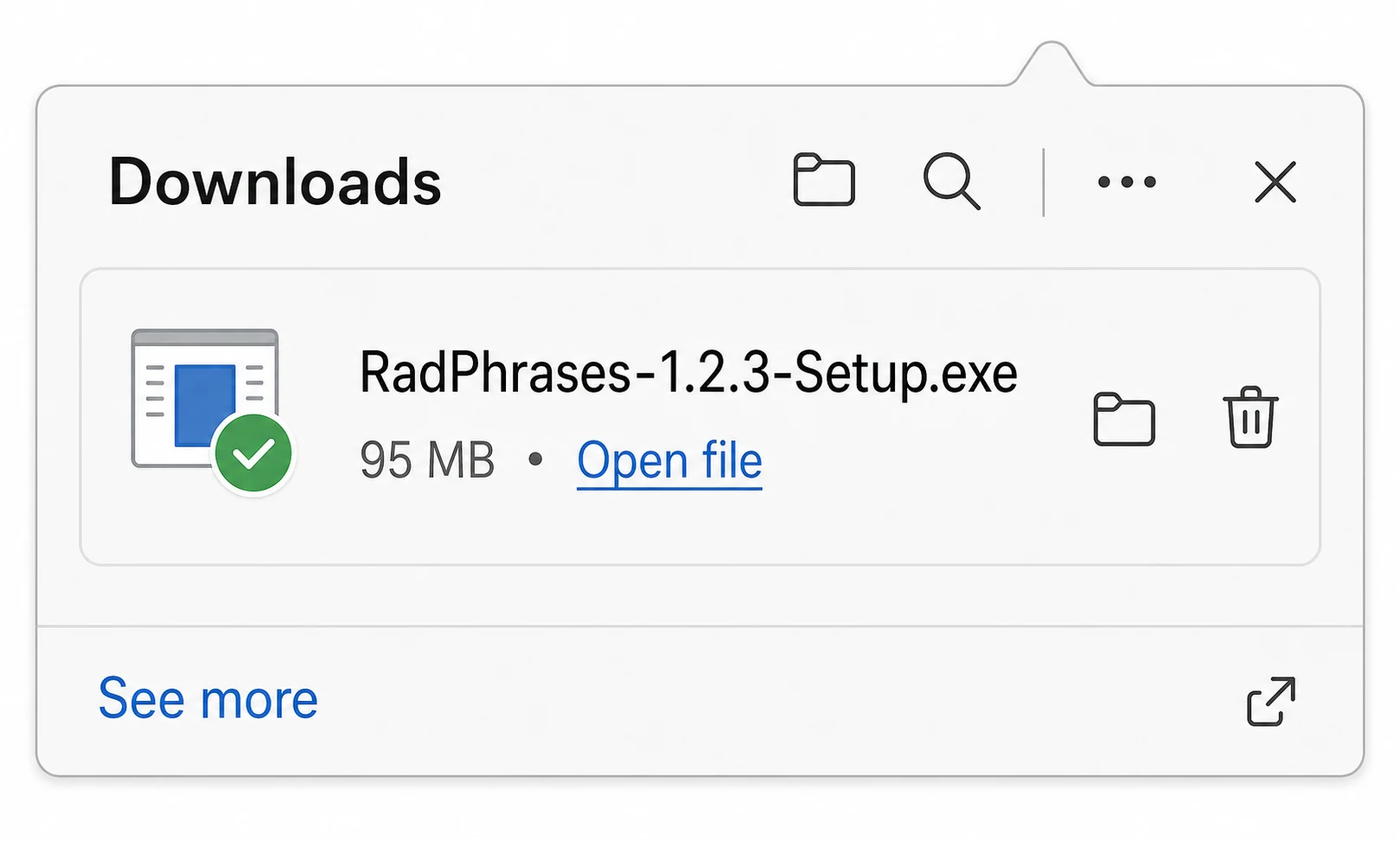
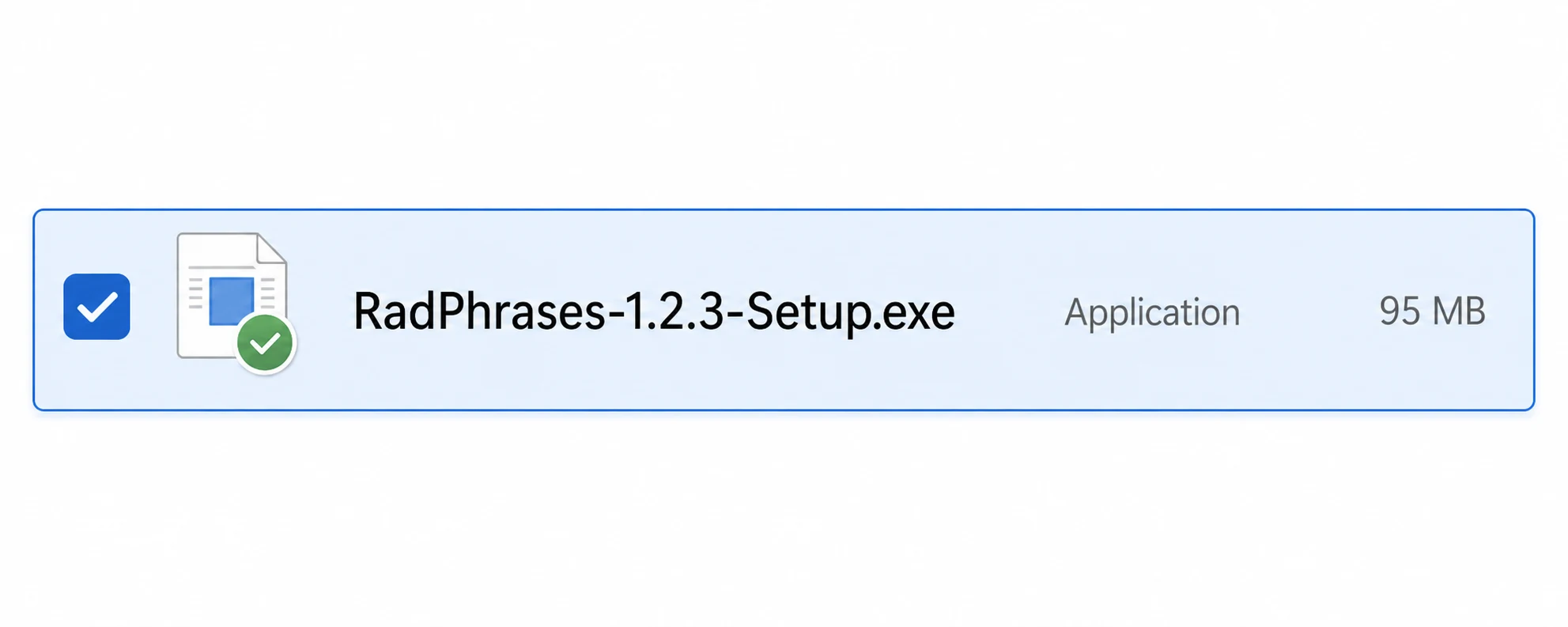
When the download finishes, open RadPhrases-1.2.3-Setup.exe from your browser downloads or Downloads folder.
2
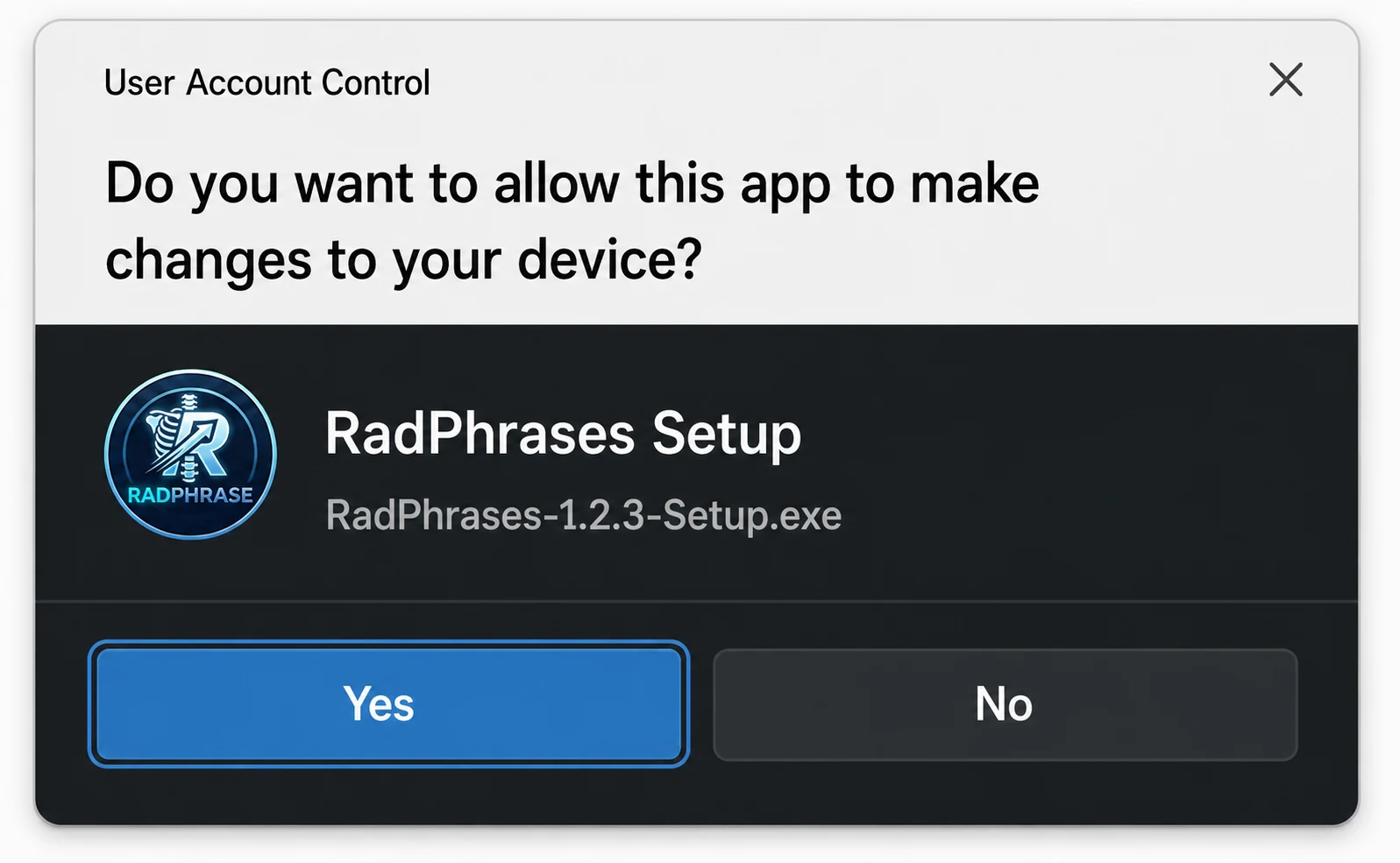
Approve system prompts
If your computer asks for permission to make changes, choose Yes to continue the installation.
3
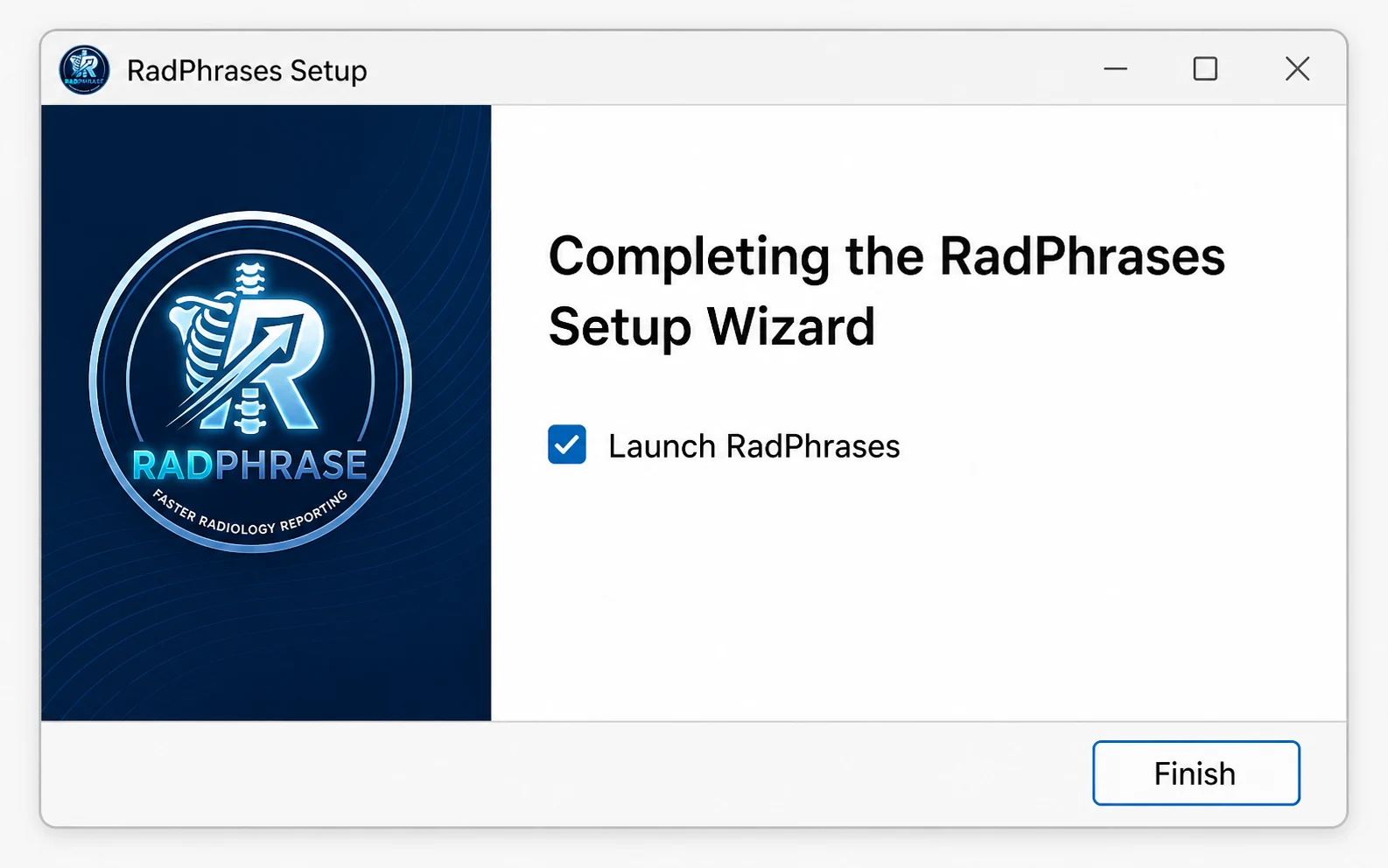
Finish setup
The setup wizard creates desktop and Start menu shortcuts, then launches RadPhrases when installation completes.
If SmartScreen appears
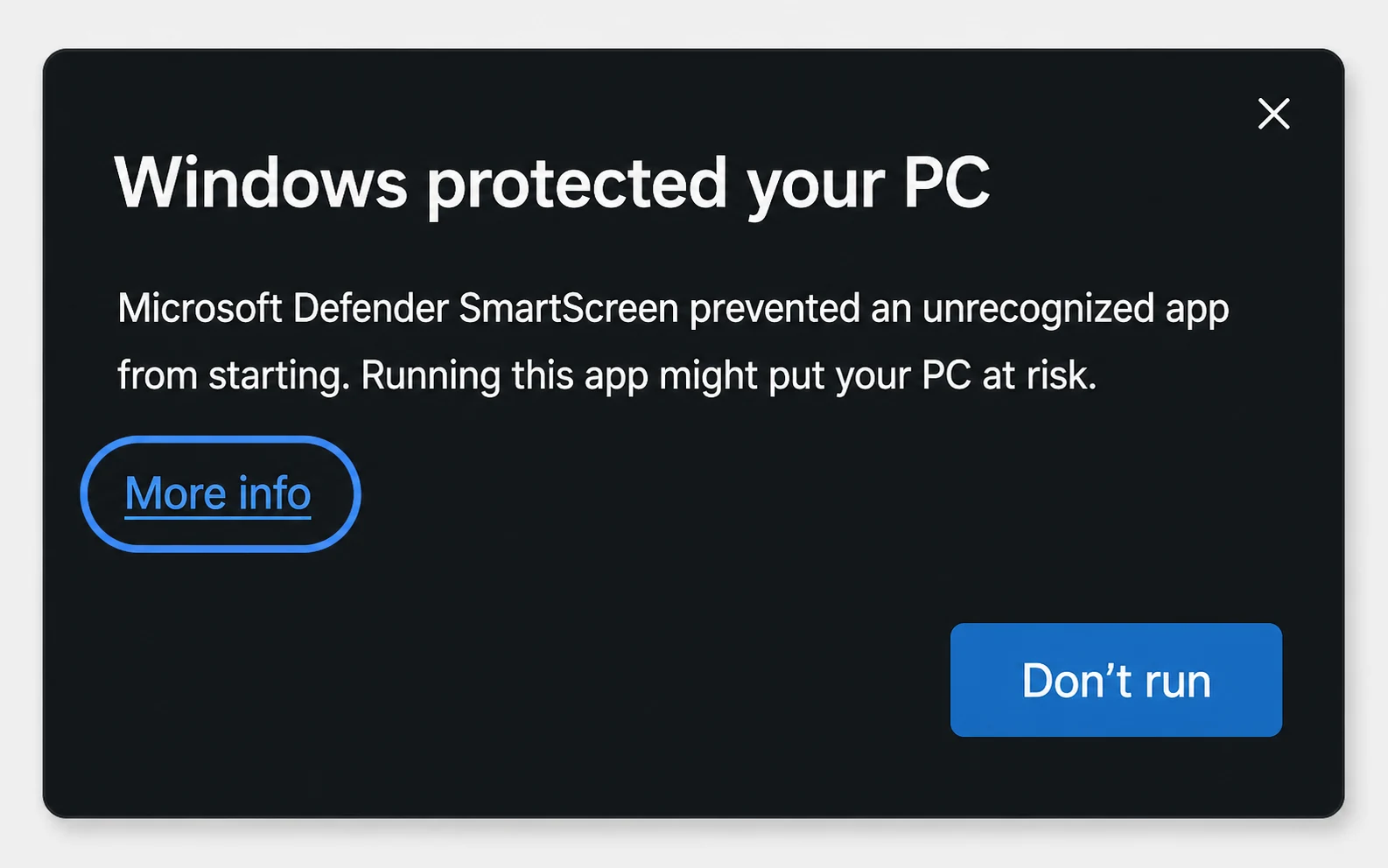
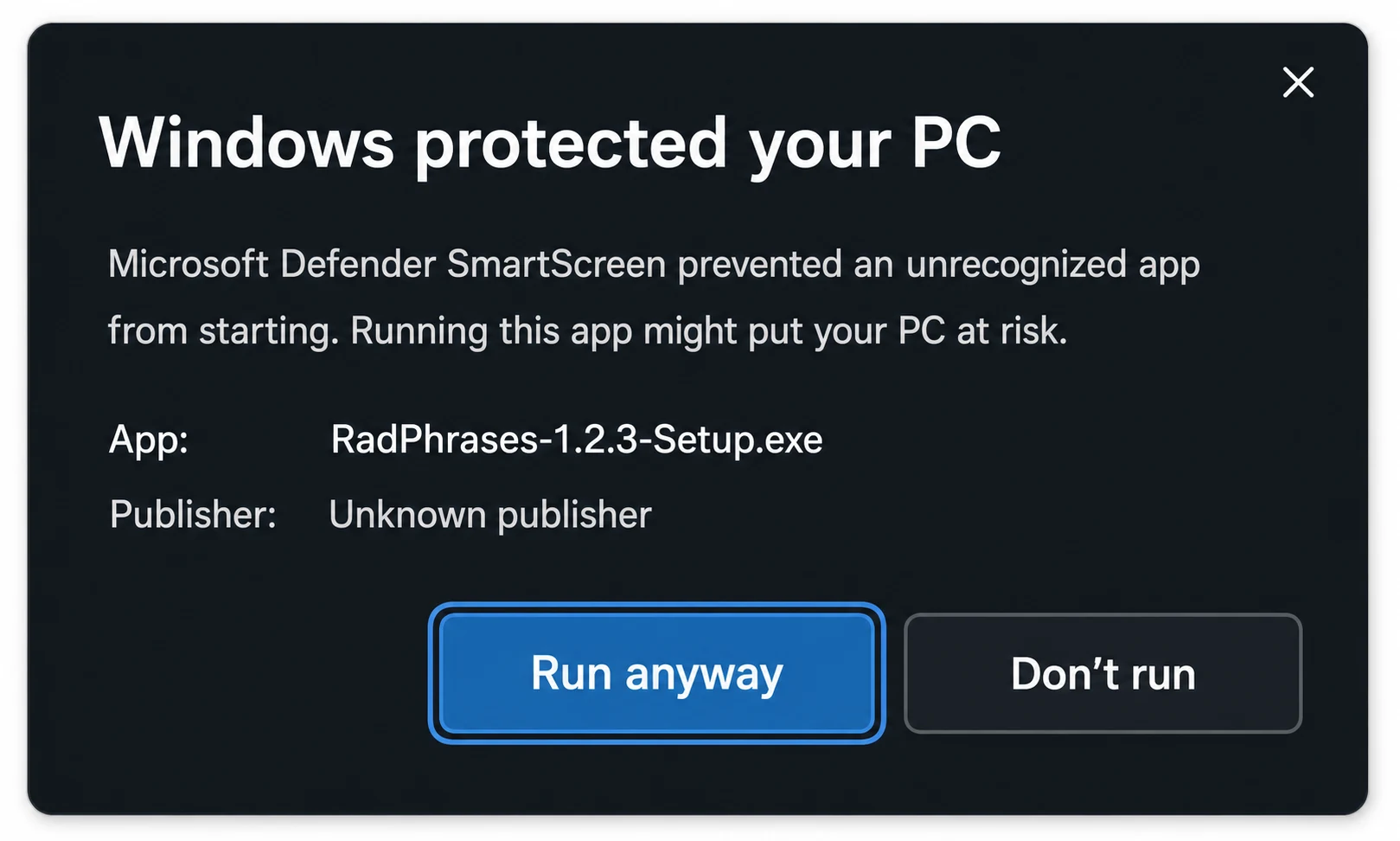
Some early RadPhrases builds may be shown as an unrecognized app. Select More info, then choose Run anyway to continue the installation.