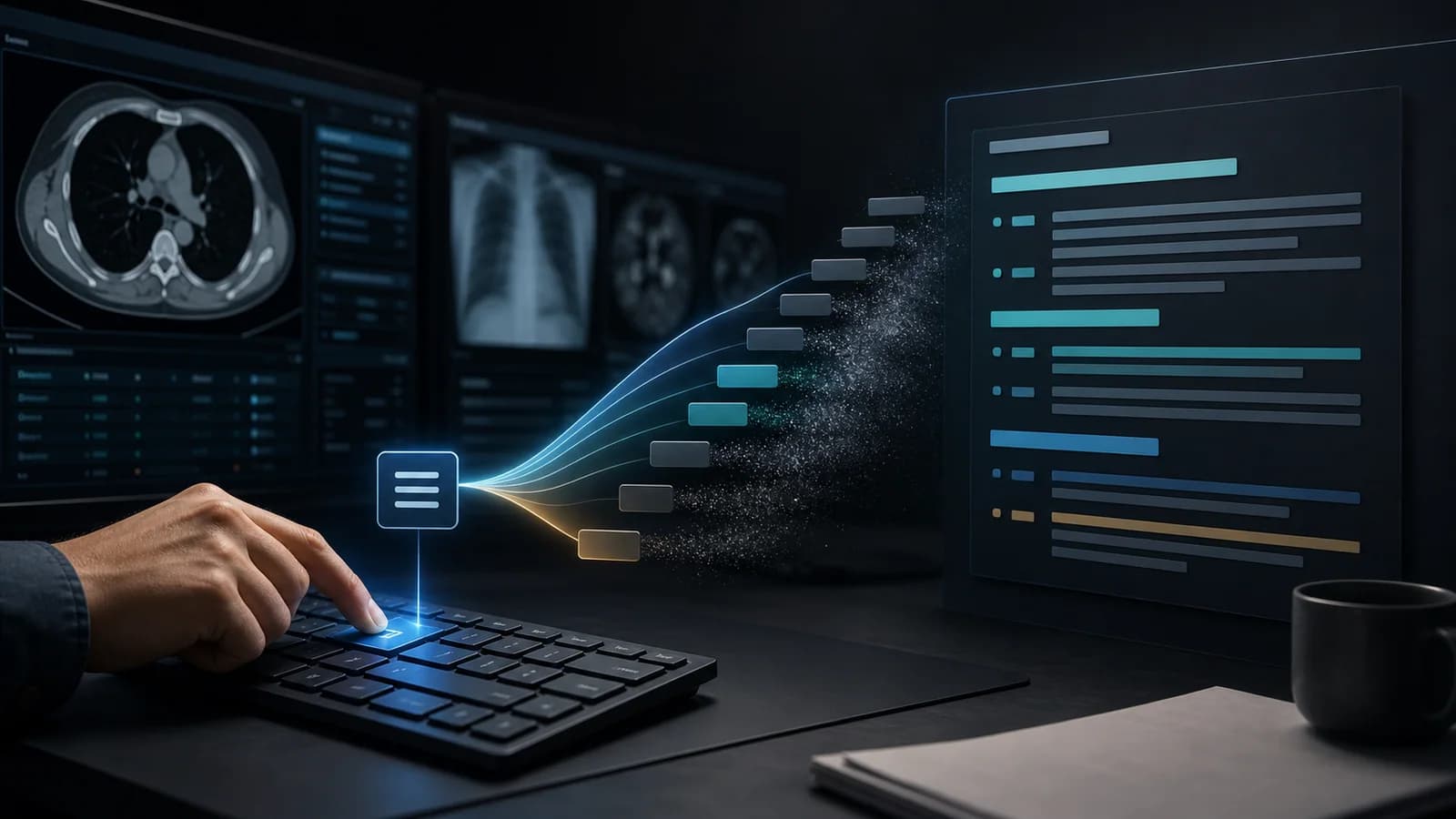
During the first years of residency, useful report sentences often become scattered across Word files, note apps, messages, and old reports. Over time, it becomes unclear which phrase is current, which template matches institutional practice, and which text reflects a personal preference. A personal report library is a living system that organizes these components by frequency of use and clinical context.
What should a personal report library contain?
A good library is not made only of complete report examples. It keeps content of different sizes in separate layers:
- Complete study templates: chest radiograph, noncontrast head CT, complete abdominal ultrasound, and similar studies.
- Modular finding sentences: cyst, calculus, hemorrhage, atelectasis, degeneration, and similar findings.
- Normal and negative statements: safe, frequently repeated foundational language.
- Comparison patterns: language for stable, increased, decreased, or newly developed findings.
- Recommendation and correlation sentences: current, controlled language selected according to clinical context.
- Personal learning notes: information used only as reminders and never inserted automatically into a report.
1. Gather existing material in one place
Do not make the material available for automatic insertion immediately. Collect old templates, frequently used sentences, and educational examples in a review pool. Anonymize examples that contain patient information or do not use them. Consider the sharing and usage conditions of content owned by the institution.
2. Label content by modality and procedure
Folders labeled only “CT” or “Ultrasound” grow quickly. Add a procedure or anatomical region after the modality: “CT > Head > Noncontrast,” “Ultrasound > Hepatobiliary,” or “MRI > Lumbar Spine.” If the same sentence is useful in more than one procedure, finding tags should also make it discoverable.
3. Separate ready-made content from personal content
Storing a curated or institution-approved template under the same name as a personally modified version creates confusion. Make the source, owner, and last update date visible. Status labels such as “Institutional baseline,” “Personal v2,” or “Educational use” can be helpful.
4. Build the high-frequency core first
Instead of expanding the library with rare-disease language, begin with a small core that covers most daily work. An initial target might be three modalities, three templates per modality, and a total of 20–30 high-frequency shortcuts. As real usage grows, the missing components become easier to identify accurately.
5. Add minimum metadata to every entry
| Field | Example |
|---|
| Content name | Noncontrast head CT – baseline template |
|---|
| Type | Complete template / sentence / recommendation / note |
|---|
| Modality and procedure | CT – head – noncontrast |
|---|
| Source | Personal / institution / published guideline |
|---|
| Last updated | 2026-07 |
|---|
| Variable fields | Laterality, size, date |
|---|
| Usage status | Active / testing / archived |
|---|
6. Do not mix complete reports with sentence components
A complete template should insert the overall framework of the study. One-sentence shortcuts should add case-specific findings. If the same content is saved both as a complete template and as a short shortcut, search results become crowded. The function of every entry should be clear.
7. Organize favorites by shift or work context
The most frequently used content may vary by work context rather than modality. Separate favorite groups for emergency call, ultrasound day, or a chest rotation can reduce search time. The favorites list should not grow without limit; it should remain easy to scan at a glance.
8. Establish a version and archive system
When a template changes, note why it changed instead of silently overwriting the old version. Outdated content does not have to be deleted; it can be marked “archived” and removed from automatic suggestions and primary search. This preserves history without allowing old language to be selected accidentally.
9. Create a monthly maintenance ritual
- Review the 10 entries you use most often and simplify sections that frequently do not fit the case.
- Archive entries that are never used.
- Make sentences that require heavy editing more modular.
- Update new classification systems and changes in institutional protocols.
- Rename entries that trigger incorrectly or have similar names.
- Verify the backup and synchronization status of personal content.
What should not be added to the library?
- Patient identifiers or case-specific protected health information.
- Unverified clinical recommendations from an unclear source.
- Fixed numbers with unclear laterality or measurement context.
- Highly specific case text that will be used only once.
- Duplicate versions of the same sentence with minor wording differences.
| Library size is not the measure of success Success means finding the phrase quickly, keeping the content current, requiring little editing after insertion, and making incorrect use easy to detect. |
|---|
A 30-day setup plan
| Week | Goal |
|---|
| Week 1 | Collect existing content and review anonymity and sources. |
|---|
| Week 2 | Select baseline templates and 20 frequent sentences for three modalities. |
|---|
| Week 3 | Apply the shortcut grammar, tags, and favorite groups. |
|---|
| Week 4 | Remove duplicates based on real usage and add version notes. |
|---|
Put it into practice
A personal report library is learning and productivity infrastructure that can grow throughout a career. The strongest system does more than collect scattered examples: it organizes content by source, function, modality, procedure, and currency. Developing a small core library with real usage data is more sustainable for both speed and safety.
References
- Petraszko A et al. Enhancing the value of radiology reports: a primer for residents. PMID: 35437647. PubMed Source (se abre en una pestaña nueva)
- Burns J et al. Structured Reports and Radiology Residents: Friends or Foes? PMID: 33160861. PubMed Source (se abre en una pestaña nueva)
- Larson DB et al. Improving consistency in radiology reporting through department-wide standardized structured reporting. PMID: 23329657. PubMed Source (se abre en una pestaña nueva)