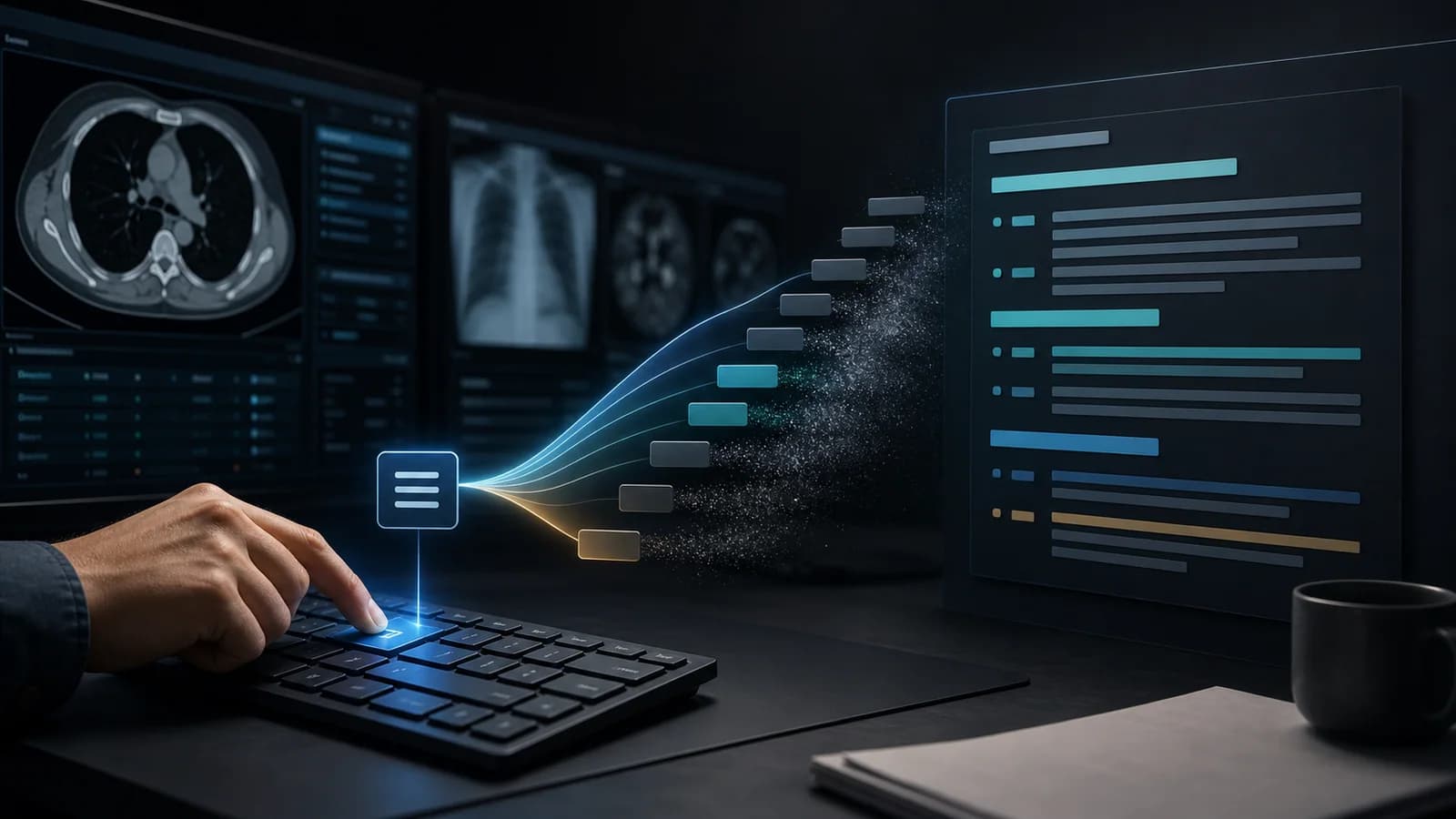
Typing time is the most visible part of reporting speed, but the keyboard is often not the true bottleneck. Starting each study from a different point, searching for the right template, copying a sentence from an old report, finding your place after an interruption, and rebuilding the impression all add to total time. Faster reporting begins by systematically reducing these small delays.
The difference between speed and rushing
Rushing shortens time by skipping checks. Efficiency completes the same clinical work with fewer unnecessary actions. A safe acceleration method preserves image review, measurement verification, comparison, and the impression. It reduces only repetitive typing, searching, and navigation.
| Core principle Standardize the review sequence and checking standard before accelerating typing with shortcuts. Automating a disorganized process only produces disorganization faster. |
|---|
1. Standardize your review sequence
Use a consistent image review sequence for each modality and study type. It should be compatible with the approach taught at your institution and with your own practice. The aim is not to report every case with identical sentences, but to create a visual review framework that reduces omissions. A fixed sequence also makes it easier to identify where you stopped after an interruption.
2. Select the report framework at the start
Opening the appropriate template at the beginning makes the anatomical and clinical structure of the report visible. A template is not a ready-made answer to complete without reviewing the images; it is an organized starting point that functions as a checklist. Templates that do not match the protocol or contain unnecessary headings create extra editing instead of saving time.
3. Insert normal and negative statements with shortcuts
Frequently repeated normal and negative sentences usually provide the fastest return from text expansion. Start by identifying the 10 phrases you use most often in daily work. Instead of assigning copied sentences to random abbreviations, use short, predictable codes that follow the same grammar.
4. Record findings when you observe them
Completing image review and then transferring every finding from memory can increase backtracking, especially in complex studies. When compatible with your workflow, record an important finding as soon as you see it, together with its measurement and location. This can reduce the need to return to the same series. Build the impression holistically after the image review is complete.
5. Make variable fields visible
Within a shortcut or template, mark fields that must change—such as laterality, number, level, segment, and date—with explicit placeholders rather than ambiguous ellipses. Labels such as “[SIZE] mm,” “[RIGHT/LEFT],” or “study dated [DATE]” make unfinished fields easier to catch during the final check.
6. Keep the impression concise and prioritized
The findings section describes what is seen on the images; the impression prioritizes the clinically important message. Repeating every finding in the impression makes the report longer and buries the main point. State urgent or management-changing findings first, followed by clinically meaningful secondary findings. Communicate the message directly instead of relying on phrases such as “as described in the findings section.”
7. Use a return marker after interruptions
When a phone call, clinician question, or technical problem pulls you away from a report, do not rely on memory to preserve your place. Create a small routine that marks the return point in the image review and report: note the last completed anatomical region, leave the cursor on the line that still needs checking, or use a visible marker in the draft. Interruptions have been reported to prolong interpretation time and may be associated with error risk, so a return routine is a safety tool as well as an efficiency tool.
| Check area | Question to ask |
|---|
| Patient and study | Is this the correct patient, modality, and side? |
|---|
| Negation | Is there a contradiction between “present/absent” or “identified/not identified”? |
|---|
| Laterality and level | Are right-left, segment, vertebral level, and lesion location consistent? |
|---|
| Measurement | Are the unit, decimal, and comparison with the prior study correct? |
|---|
| Impression | Is the most important finding clear and prioritized? |
|---|
| Template remnants | Does any case-inappropriate normal statement or placeholder remain? |
|---|
This check does not need to be a lengthy second reading. A 10–20 second scan performed in the same order for every report can counterbalance the risks introduced by faster text entry.
A mini plan you can apply during one shift
- Before the shift, add the three templates you expect to use most to your favorites.
- Keep shortcuts ready for the five negative statements you type most often.
- Use the same image review sequence for each study type.
- Mark your position visibly whenever an interruption occurs.
- Before signing, check laterality–negation–measurement–impression in the same order.
If speed does not improve, identify where time is being lost
For one week, track only three types of delay: finding a template, finding a sentence, and returning to the images. Address the most frequent delay first. If shortcuts are missing, improve the phrase library; if template search is slow, reorganize favorites and categories; if you frequently return to the images, refine the review sequence and note-taking method.
| The safest way to improve reporting speed is not to press keys faster, but to complete the same work with less backtracking. |
|---|
Put it into practice
Fast reporting combines a fixed review sequence, the correct starting template, high-frequency shortcuts, visible placeholders, a return routine after interruptions, and a brief pre-signing check. When these components work together, typing time can decrease while clinical control is preserved.
References
- Watura C et al. Ring Ring Ring! Characterising Telephone Interruptions in a Radiology Department. PMID: 29506879. PubMed Source (opens in a new tab)
- Shah SH et al. Workflow Interruptions and Effect on Study Interpretation Efficiency. PMID: 35870962. PubMed Source (opens in a new tab)
- Petraszko A et al. Enhancing the value of radiology reports: a primer for residents. PMID: 35437647. PubMed Source (opens in a new tab)