What Is Text Expansion in Radiology Reporting?
Not every sentence in a radiology report is written from scratch. Phrases such as “No acute intracranial hemorrhage is identified,” “The gallbladder wall thickness is within...
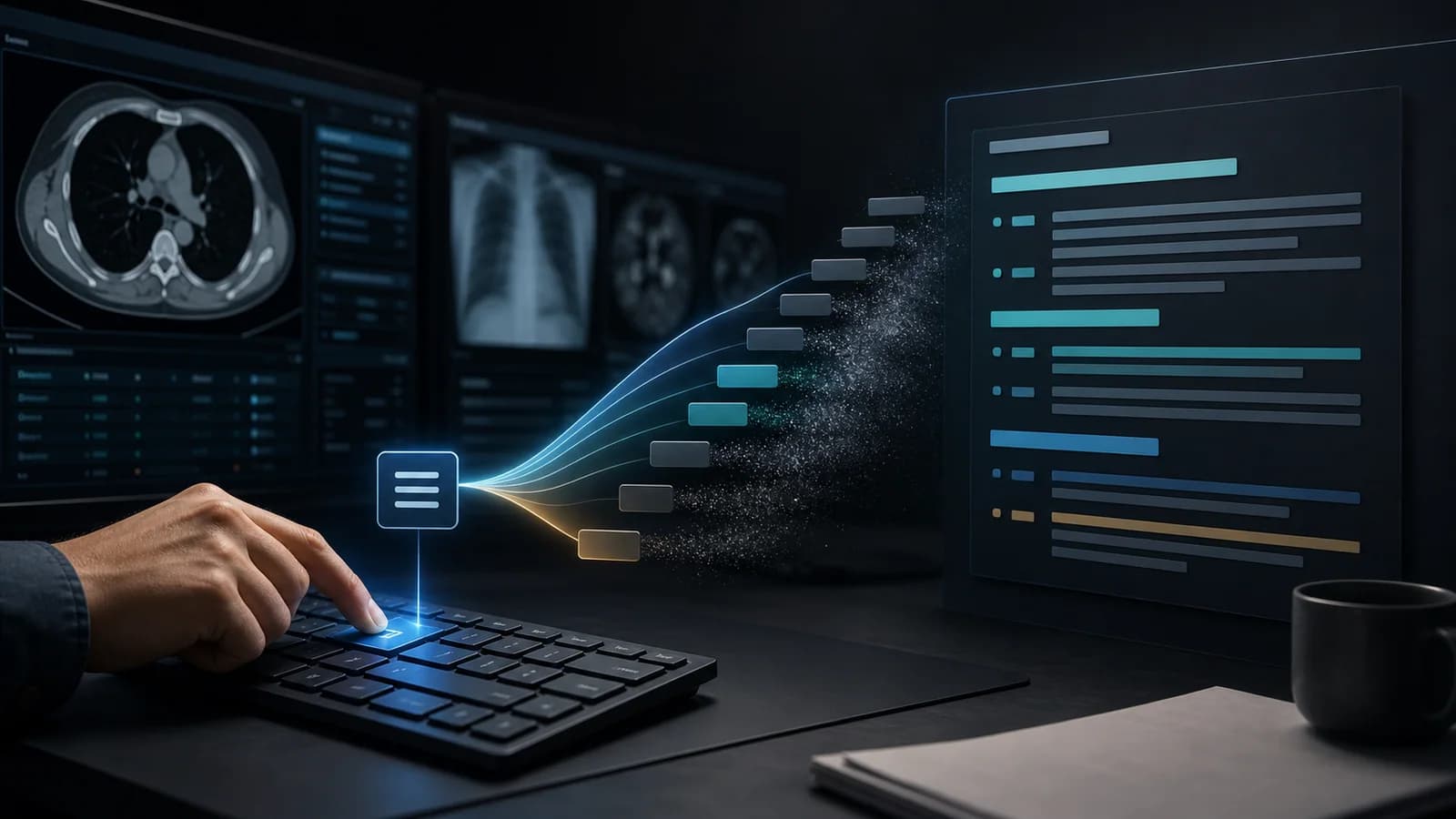
Not every sentence in a radiology report is written from scratch. Phrases such as “No acute intracranial hemorrhage is identified,” “The gallbladder wall thickness is within normal limits,” or “Correlation with clinical and laboratory findings is recommended” may be typed repeatedly throughout the day. Text expansion reduces this repetitive typing by calling up commonly used phrases through short, memorable codes.
How does text expansion work?
In a text expansion tool, the user first types a short trigger. After a designated key is pressed, that trigger expands into a longer, predefined passage. For example, a user might link a code such as “peyok” to a complete sentence stating that no filling defect suggestive of acute pulmonary thromboembolism is identified. Instead of reconstructing the same sentence for every study, the user types a few characters and then reviews and adjusts the inserted text for the case.
The goal is not to automate clinical thinking. It is to reduce the mechanical repetition involved in turning clinical reasoning into a written report. Evaluating the images, selecting the relevant findings, verifying measurements, and placing the conclusion in clinical context remain the radiologist’s responsibility.
| What text expansion is not It is not an automated diagnostic system, a tool that generates reports without reviewing the case, or a repository of ready-made text that requires no verification. Every expanded phrase must be read and adjusted for the case before the report is finalized. |
|---|
Why is it especially useful in radiology reporting?
Radiology reports contain highly repetitive language components. Normal anatomy statements, negative findings, comparison phrases, measurement placeholders, classification language, and recommendations recur across studies. This repetition does not create clinical value by itself, but it consumes keyboard time and attention.
Text expansion makes the most frequently used and semantically stable components quickly accessible. The benefit is particularly noticeable during call, on high-volume ultrasound lists, and in work blocks where similar protocols are reported consecutively. The gain goes beyond a few seconds: users can type less, maintain more consistent language, develop a personal phrase library over time, and reduce the need to search old reports for familiar wording.
Which phrases are good candidates?
| Phrase type | Why is it suitable? | Example approach |
|---|---|---|
| Frequent negative findings | They recur and usually have a stable structure | A “No acute … is identified” pattern |
| Normal organ statements | They are used at high frequency | Organ name + normal finding |
| Graded findings | They fit one root with changing degree | A series such as hs1 / hs2 / hs3 |
| Recommendation sentences | They improve language standardization | MRI, CT, or clinical correlation recommendation |
| Comparison language | It requires consistent temporal and directional wording | Stable or increased compared with the prior study |
| Measurement patterns | They can be accelerated with placeholders | A “… mm in size” phrase |
The best candidates are phrases that are used frequently, well understood by the user, and always reviewed after insertion. Rarely used phrases, highly similar triggers, or shortcuts that could substantially change meaning if selected incorrectly require more cautious design.
The difference between a shortcut and a template
A shortcut inserts a single sentence or a short paragraph. A template provides the full framework of a report for a study. For example, a sentence describing grade 2 hepatic steatosis may be a shortcut, while the organ sequence and impression section of a complete abdominal ultrasound report form a template. An efficient system uses both layers: the template provides the study framework, and shortcuts supply case-specific finding components.
A 7-day starter plan for residents
Day 1: Note the sentences you repeat during one shift. Observe actual usage frequency before creating shortcuts.
Day 2: Select only five high-frequency phrases. Do not try to expand the first list immediately.
Day 3: Build every code with the same grammar; keep the positions of the organ, finding, and degree components consistent.
Day 4: Insert each shortcut in different case scenarios and identify the sections that require editing.
Day 5: Mark variable fields such as measurement, laterality, and comparison with visible placeholders.
Day 6: Remove similar codes and abbreviations that could trigger unintentionally.
Day 7: Keep the five shortcuts you used most, remove the ones that did not help, and add five new phrases.
Common mistakes when getting started
- Trying to memorize hundreds of shortcuts on the first day.
- Creating random codes that do not match your natural writing habits.
- Leaving inserted text with laterality, numbers, or negation unchecked.
- Creating many different sentences with the same meaning and making report language even less consistent.
- Evaluating a shortcut only by speed while ignoring memorability and safety.
How should efficiency be measured?
The simplest measure is the number of phrases inserted per report and the approximate seconds saved with each insertion. More meaningful indicators also include how often you search old reports for wording, consistency of personal report language, keyboard burden per report, time spent finding a template, and the proportion of shortcuts that require correction. If correction rates rise as speed increases, the system should be redesigned.
| A good text expansion system does not make the user think less; it helps the user express clinical reasoning with less mechanical effort and greater consistency. |
|---|
Put it into practice
Text expansion makes the repetitive language layer of radiology reporting easier to manage. The safest starting point is to build a small library of high-frequency phrases, use a consistent grammar, make variable fields obvious, and verify every inserted passage against the case. When this habit is established early, a personal reporting system can continue to improve throughout a career.
References
- Burns J et al. Structured Reports and Radiology Residents: Friends or Foes? PMID: 33160861. PubMed Source (opens in a new tab)
- Petraszko A et al. Enhancing the value of radiology reports: a primer for residents. PMID: 35437647. PubMed Source (opens in a new tab)
Clinical use note
This content is educational and is not patient-specific medical advice. Every phrase, template, classification result, and recommendation must be verified and adapted by a physician using the complete examination, clinical context, current guidelines, and institutional protocol.
Reduce repetition in your reporting workflow
Bring frequently used phrases and templates into the local workflow on your computer with RadPhrases.
Related calculators
Browse the other checklists, phrase sets, and systematic approaches in this topic.