
A 30-Day Plan to Build a Radiology Shortcut Habit
Follow a four-week plan of small daily steps to use shortcuts safely and consistently in radiology reporting.
RadPhrases Editorial Team7 min read
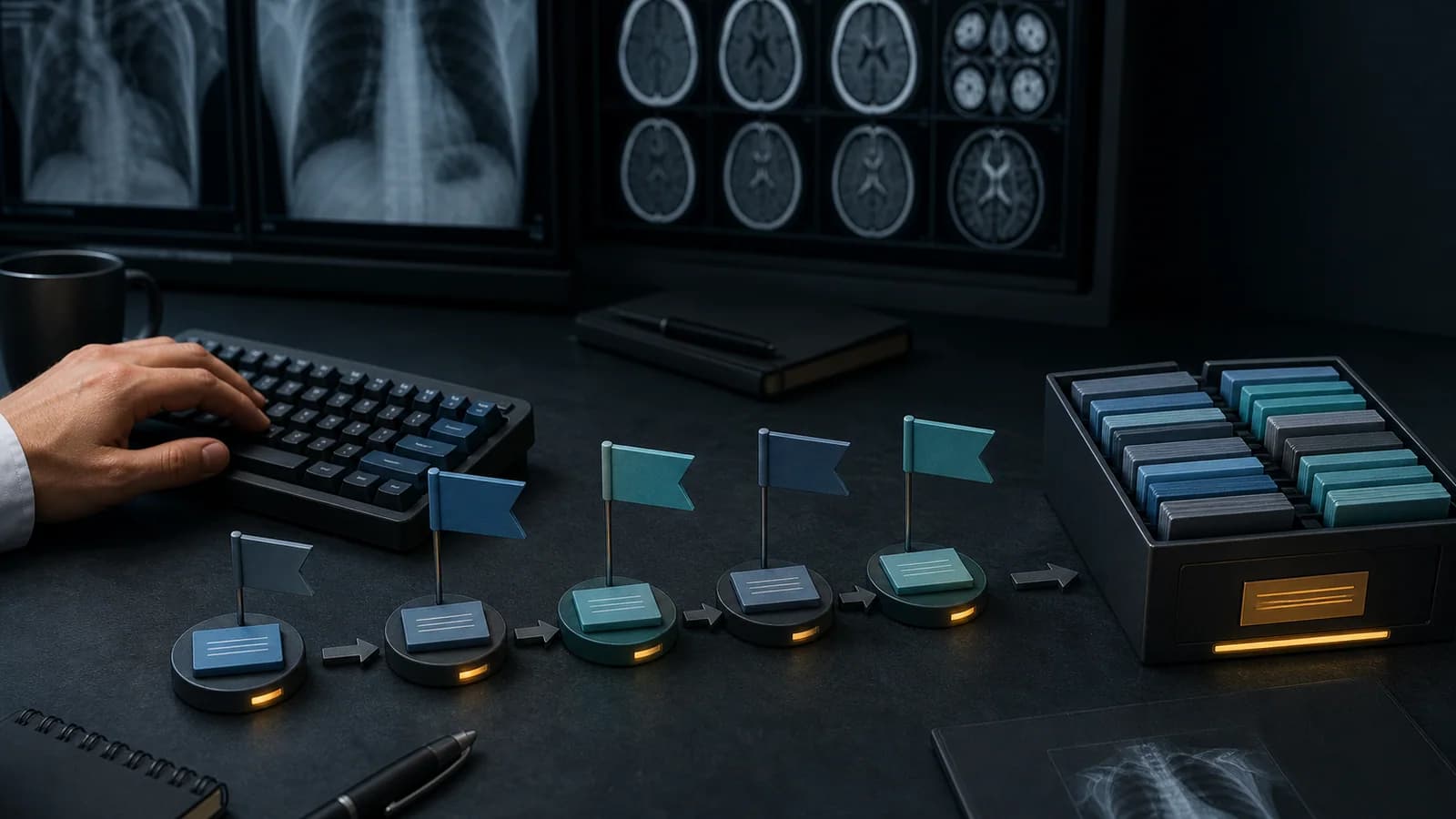
Follow a four-week plan of small daily steps to use shortcuts safely and consistently in radiology reporting.
Installing a text-expansion application is easy. Using it safely, consistently, and without interrupting your thinking during a busy reporting session requires a habit.
A common mistake is to open a library containing hundreds of shortcuts on day one and try to memorize as many codes as possible. After a few days, the user mixes up the codes, stops searching, and returns to the old typing routine.
This 30-day plan follows a different approach: a small number of shortcuts, real use, brief daily review, and weekly cleanup.
The goal is not to know the entire library by the end of the month. The goal is to predict your 15–30 most frequently used shortcuts, edit the expanded text, and perform a final review of the report.
A shortcut inserts a text framework. You decide which finding is present, the degree of certainty, and whether further evaluation is necessary.
For the first 30 days, consciously read the sentence after every shortcut. This helps you learn the correct code-to-text relationship and detect errors early.
The library may contain hundreds of entries, but your favorites or active list should contain only the small group you are learning that week.
The purpose of the first week is to add the application to your workflow and learn how triggering behaves.
You do not have to use it in a real report today.
Choose five shortcuts from the modality or organ system you report most often that week. Three can be normal or low-variable phrases, and two can be frameworks for common findings.
Instead of writing the codes on paper, note the grammar components:
organ code → finding → grade/suffixUse each shortcut at least once in a real report. After expansion, check four fields:
Write the same phrase once manually and once with a shortcut. Look at the time, consistency, and amount of editing required.
Change any code that is difficult to remember or triggers accidentally. Do not keep a poor code merely because you already created it.
Use quick search to find two phrases you have not memorized. The goal is not to hold the entire library in memory, but to learn how to reach the right sentence when needed.
Complete this table:
| Metric | Result |
|---|---|
| Number of shortcuts used | |
| Easiest code to remember | |
| Sentence edited most often | |
| Accidental trigger | |
| Forgotten placeholder |
You do not have to carry an unused code into week two.
The purpose of the second week is to learn shared structures instead of memorizing independent codes.
Choose new examples from the same organ or finding family as your first five codes. The new codes should expand a grammar you already recognize rather than feel completely unrelated.
Review what grade components such as 1, 2, and 3 mean only within their relevant phrase families. Do not assign an automatic clinical meaning to a number as soon as you see it.
Add one or two clinical-correlation or further-imaging shortcuts to your favorites. At each use, separately assess the rationale and urgency of the recommendation.
Choose a phrase and predict its likely code before searching in the application. Then verify it with quick search. If your prediction was wrong, note which grammar component you confused.
Do not measure speed today. At the end of every report, check laterality, measurements, contradictions, certainty, and recommendations.
Remove active shortcuts that were not used during the first two weeks from your favorites. They can remain in the library without occupying your active learning list.
During the third week, begin creating personal content from your actual reporting habits.
Identify sentences that you typed manually at least three times during the previous week. Record general patterns that do not contain patient data.
Create only one personal shortcut. Choose a predictable code that matches the existing grammar. Keep variable fields visible in the sentence.
Test the personal shortcut first in an empty text field and then in a low-intensity report. Correct accidental triggers and punctuation problems.
If an attending edited the same sentence in one of your reports, examine why it changed. If the revised wording is clearer and better aligned with institutional standards, update your personal shortcut.
Review your longest personal sentence. If it contains multiple organs and sections, decide whether it should be a template rather than one shortcut.
Add a second personal shortcut only if the first entry works reliably. If the first is still problematic, correct it instead of adding another.
Confirm that your personal library contains no patient name, date, accession number, physician name, or other personal data.
The goal of the final week is not to use shortcuts unconsciously, but to make the safe sequence of use automatic.
Add only codes that you genuinely use and whose meaning you can predict.
Test the movements required to type the shortcut, trigger it, move through placeholders, and undo it on your keyboard layout. Build a workflow that reduces unnecessary mouse use without compromising safety.
Record every small problem you encounter today:
Do not hide the number of errors. Use them as data to improve your system.
Review the three shortcuts you edit most often. The sentence may be too long or overly certain. Reduce fixed text and leave more room for patient-specific interpretation.
Review comparison, follow-up, and further-imaging phrases separately. Confirm that date, modality, urgency, and rationale fields are complete.
Do not add any new shortcuts for one day. Observe whether the existing set is genuinely sufficient. A constant urge to add entries can make the system unnecessarily complex.
Collect the following metrics:
Create a five-item policy for yourself. For example:
Set your monthly rhythm:
A user who is progressing well can:
If you can still use only five shortcuts safely at the end of the month, that is not a failure. A small number of reliable habits is more valuable than a large number of confused codes.
Open the RadPhrases Shortcut Guide to choose your first five codes. Do not merely memorize them; understand the organ, finding, and suffix components.
To apply the program in your real workflow, download RadPhrases. Verify every expanded phrase for the individual patient and examination.
This program is a productivity and learning plan. It does not replace clinical training, attending supervision, institutional protocols, or critical-result communication processes.
This content is educational and is not patient-specific medical advice. Every phrase, template, classification result, and recommendation must be verified and adapted by a physician using the complete examination, clinical context, current guidelines, and institutional protocol.
Apply this approach with the RadPhrases shortcut grammar and curated phrase library in your daily reporting workflow.
Browse the other checklists, phrase sets, and systematic approaches in this topic.