
How to Build a Personal Radiology Shortcut System
Identify repeated reporting phrases, create a safe naming convention, and develop your personal radiology shortcut library step by step.
RadPhrases Editorial Team6 min read
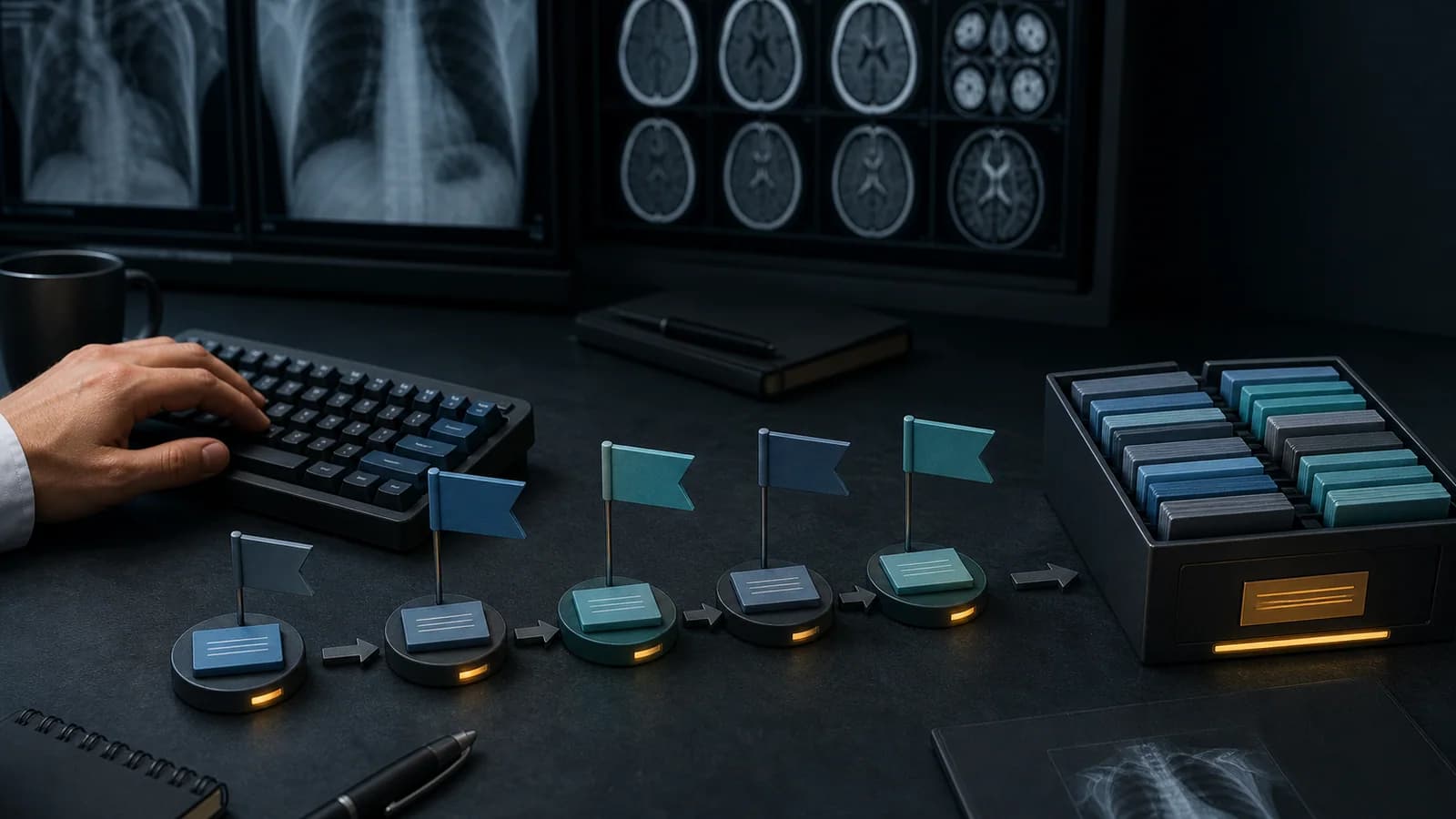
Identify repeated reporting phrases, create a safe naming convention, and develop your personal radiology shortcut library step by step.
A ready-made shortcut library lowers the barrier to getting started, but every radiologist works in a different institution, reporting environment, rotation sequence, and writing style. The most effective long-term system therefore combines a reviewed core library with personal additions that fit both the user and the institution.
Building a personal library does not mean saving every sentence that comes to mind. A good library answers three questions:
Observe your working habits before creating shortcuts. For one week, note the phrases that recur in your reports. Do not copy patient information or personal health data; record only generalizable language patterns.
A simple list is enough:
| Phrase family | Weekly frequency | Variable fields | Suitable for shortcut? |
|---|---|---|---|
| Normal organ appearance | 18 | None/few | Yes |
| Cyst description with measurements | 9 | Location, laterality, size | Yes, with visible fields |
| Complex oncologic impression | 2 | Many | May be better as a template |
| Rare syndrome description | 1 | Highly context dependent | Not yet |
Add only phrases that truly repeat to your initial library. Low-frequency sentences can remain searchable; do not overload active memory with unnecessary codes.
Not every part of a reporting phrase is standardized. Measurements, laterality, segment, number, interval change, and degree of certainty can vary by patient.
Example structure:
A [finding] measuring [size] and demonstrating [imaging feature] is seen at the level of the [organ/region].The sentence framework is fixed. The variable fields must be completed deliberately during reporting.
A good shortcut keeps variable fields visible. You can use ellipses, square brackets, or another placeholder supported by the application. The purpose is not to let the blank blend into the text, but to direct the user to it.
Not every repeated block of text should become a one-sentence shortcut.
Suitable for a shortcut:
Better suited to a template:
A template preserves the evaluation sequence; a shortcut accelerates sentences within that structure.
Learning is easier when your personal system follows the grammar of the ready-made library. For example:
organ → finding → laterality → gradeUse these principles when creating codes:
In radiology reports, “consistent with,” “suggestive of,” “possible,” “cannot be excluded,” and “suspicious for” do not mean the same thing. A shortcut that inserts the same degree of certainty in every case can be unsafe.
Two approaches are possible:
With the second approach, the codes must be clearly distinguishable and the expanded sentence must always be read.
Many shortcut errors arise not from the sentence itself but from fields that were never completed. In your personal library:
The goal is not to press Enter without thinking, but to reach an editable framework for the correct sentence.
A single long list containing hundreds of shortcuts can be overwhelming. Group the library according to reporting context:
The same shortcut may be useful in more than one group. Presenting one source entry in multiple views or favorites groups is easier to manage than maintaining duplicate content.
Instead of introducing a new shortcut during a busy on-call shift, use a brief test period:
This process takes only a few minutes but prevents a poorly designed shortcut from becoming a permanent habit.
A personal library becomes cluttered when it only grows. Once a month:
A small, reliable set is more valuable than a large, uncontrolled library.
Your first personal set might contain 10–15 entries across the following categories:
The final item matters: inserting a sentence saying that a report was checked does not prove that the check occurred.
Do not measure only the number of shortcuts you created. More meaningful metrics include:
The objective is not the largest library, but the most reliable and predictable one.
First, study the ready-made grammar in the RadPhrases Shortcut Guide. Keeping the same organ and status logic when you create personal codes makes it easier to move between built-in and custom content.
After you download RadPhrases, add only five personal shortcuts during the first week. At the end of the week, keep the ones you actually used and archive or rename the rest.
Do not save patient names, accession numbers, or other personal health information inside personal shortcuts. Every inserted reporting phrase must be verified in its clinical context. Follow your institution’s information-security and reporting policies.
This content is educational and is not patient-specific medical advice. Every phrase, template, classification result, and recommendation must be verified and adapted by a physician using the complete examination, clinical context, current guidelines, and institutional protocol.
Apply this approach with the RadPhrases shortcut grammar and curated phrase library in your daily reporting workflow.
Browse the other checklists, phrase sets, and systematic approaches in this topic.