The First 20 Shortcut Codes Every Radiology Resident Should Learn
Learn 20 foundational organ, status, and recommendation codes to start building a safe shortcut habit in radiology reporting.
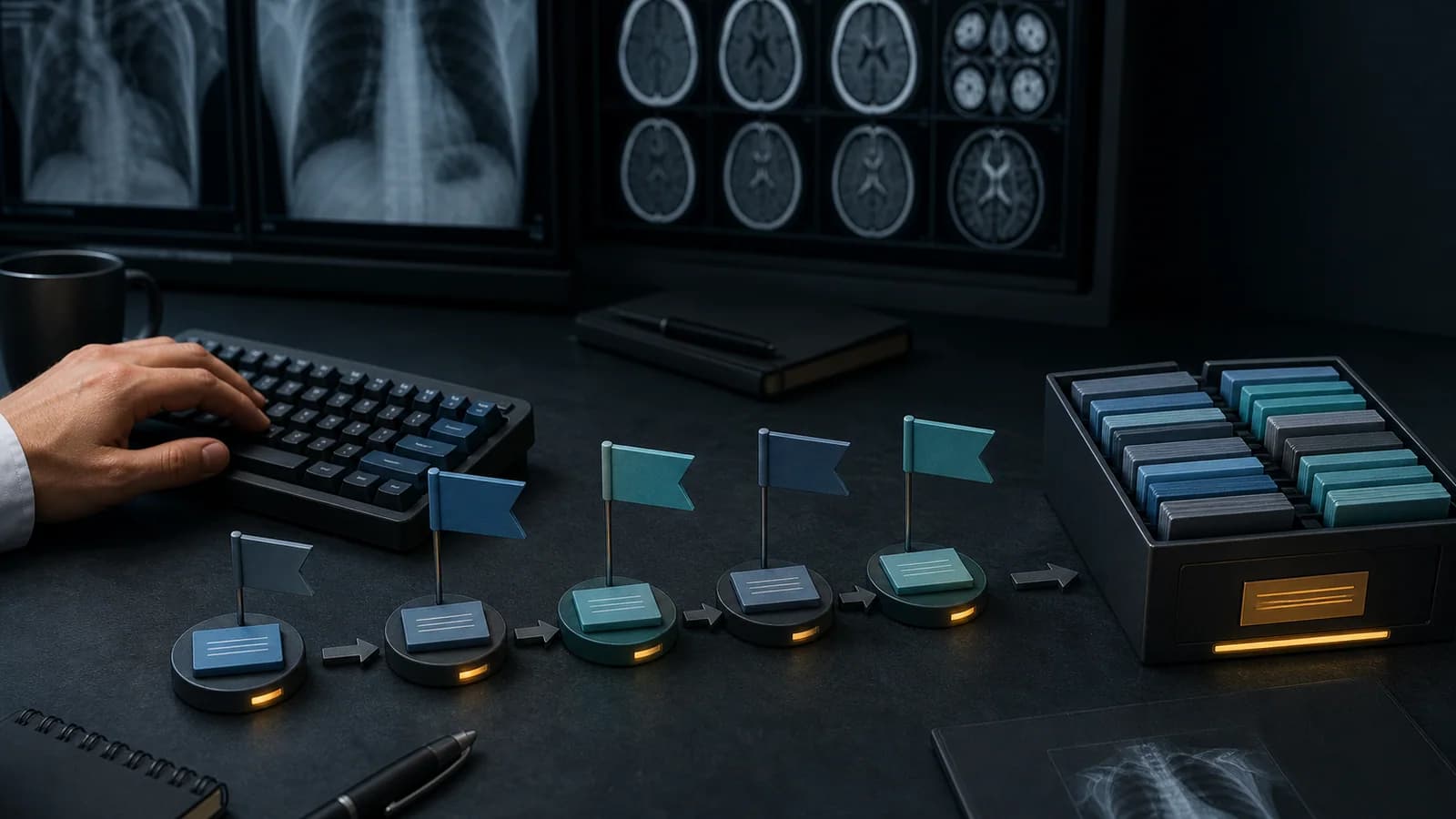
During the first months of radiology residency, report writing requires you to manage several tasks at once: review the images systematically, answer the clinical question, compare with prior studies, choose appropriate terminology, and produce a clear impression. Repeatedly typing standard phrases can add unnecessary mental and mechanical workload to an already demanding process.
The purpose of shortcuts is not to think less. It is to reduce repetition that does not require fresh reasoning, so you can direct more attention to the images and clinical interpretation.
RadPhrases shortcuts follow a grammar rather than relying on random letter combinations: an organ code, a finding or status, and—when necessary—a grade or suffix are combined. Instead of memorizing hundreds of unrelated abbreviations, you learn a limited set of reusable building blocks.
Important: The codes below are a mental map for getting started. Check the current expansion of every code inside the application. Verify and edit all inserted text for the patient, examination technique, and clinical context. The codes themselves are RadPhrases codes and may reflect Turkish terminology rather than English initials.
Learn building blocks before full sentences
A common beginner mistake is trying to memorize dozens of long shortcuts on day one. A more sustainable approach is to first recognize the organ and status codes you encounter most often. These codes may not always produce a final report sentence on their own; they combine with other components to create a predictable shortcut.
You can learn the following 20 codes in four small groups.
1. Organ codes
1. kc — Liver
This is the starting point for shortcut families covering normal liver appearance, size changes, parenchymal features, and focal findings. During the first week, it is enough to learn that kc represents the liver family.
2. sk — Gallbladder
This code is used to access common phrase families concerning gallbladder size, wall, lumen, and calculi. Its brevity makes it easier to recall during complete abdominal ultrasound reporting.
3. bb — Kidney
This is the core code for kidney size, parenchyma, collecting system, and cystic or solid lesion phrases. In reports that assess both kidneys separately, pay particular attention to laterality and measurement fields inserted by the shortcut.
4. m — Urinary bladder
This is the opening code for phrases concerning bladder wall, distention, lumen, and residual volume. Single-letter codes are fast, but checking the application’s preview is a useful habit because short codes can collide with other entries.
5. d — Spleen
This is the basic organ code used for splenic size and parenchymal assessment. A frequently repeated normal spleen phrase is a suitable early example for developing a shortcut habit.
6. pk — Pancreas
This code opens phrase families related to pancreatic visibility, size, parenchyma, and duct assessment. Especially on ultrasound, never accept template text automatically when all portions of the organ could not be evaluated.
7. ov — Ovary
This code refers to shortcut families for ovarian dimensions, follicles, and lesions. In female pelvic examinations, laterality, menopausal status, and examination technique must also be verified.
2. Status and feature codes
8. n — Normal
This is one of the most basic components representing a normal appearance. It may be among the first elements a new user learns, but “normal” text contains different details for each organ. Do not leave the expanded sentence in the report without first reviewing the images.
9. k — Cyst, or another context-dependent descriptor
Very short codes can take on different meanings depending on the grammar family. Rather than memorizing a component such as k in isolation, learn which organ code it is combined with. Shortcut suggestions and previews are the easiest way to prevent an incorrect expansion.
10. yok — Absence or negative finding
This component may be used in shortcut families stating that a particular finding is not present. Negative statements require special care because an incorrectly retained “not seen” phrase can have serious clinical consequences. Every sentence generated with this code requires final verification.
11. var — Positive finding present
This component may be used in structures representing the presence of a finding. In a positive finding sentence, verify that variable fields such as measurement, laterality, segment, number, and comparison have been completed.
12. 1, 2, 3 — Grade or severity
Some finding families use numeric suffixes to express grade. The meaning of a number is not universal across diseases or classification systems. A 2 at the end of a code represents only the grade defined within that specific shortcut family.
13. h — Hemorrhage or hemangioma family
The same letter may represent concepts with similar initials in different contexts. The organ code and the components that follow determine the meaning. When two clinically distinct concepts are possible, never expand the shortcut without reading the result preview.
14. ca or tm — Malignancy/tumor family
These codes may be used in phrase families related to masses or malignancy. They should not be treated as automatic diagnostic statements. Imaging characteristics, prior studies, clinical context, and the appropriate classification system must guide the report.
15. op — Operation
This code is used for phrases concerning postoperative status, prior surgery, or altered anatomy. When the type of surgery and resulting anatomy are unknown, a generic template sentence may make the report sound more certain than the evidence supports.
3. Clinical correlation codes
16. klk — Clinical and laboratory correlation
This code may be used in phrases recommending that an imaging finding be assessed alongside clinical or laboratory data. Do not use it as a generic escape from uncertainty. When possible, specify which clinical or laboratory information is relevant.
17. ee — Infectious-inflammatory process
This component is used in phrase families for appearances that may be compatible with infection or inflammation. Because the specificity of imaging findings varies, adjust the degree of certainty to the actual images.
18. mröner — Recommend contrast-enhanced MRI
This code accesses a ready-made phrase family recommending contrast-enhanced magnetic resonance imaging for further evaluation. Every recommendation should be considered in the context of the patient’s age, contraindications, prior studies, and clinical question.
19. btöner — Recommend contrast-enhanced CT
This code may be used when contrast-enhanced computed tomography is recommended. The mere existence of a shortcut does not justify an examination; the recommendation must be clinically necessary and capable of answering the question.
20. petbt — Recommend PET/CT
This code may access a phrase family for further evaluation with PET/CT in an appropriate oncologic context. Because the recommendation can affect patient management, consider the established diagnosis, staging purpose, and relevant guidelines.
How should you study these 20 codes?
Instead of memorizing them in one sitting, try this sequence:
- For the first three days, learn only the organ codes relevant to your current rotation.
- Add
n,yok,var, and grade components over the following days. - Use recommendation codes only as you encounter the relevant clinical scenarios.
- During the first several uses, read every expansion from beginning to end.
- Remove codes you rarely use from your active list; find them through search when needed.
Mini practice: Try to predict a shortcut
The purpose of the RadPhrases grammar is to help you roughly predict a shortcut even if you have never used it before. When you see an organ code, a finding component, and a grade suffix, you should be able to identify the general sentence family.
This approach provides two benefits:
- It reduces memorization burden.
- It makes new shortcuts easier to integrate into your existing mental system.
Keep your starter set small
Your first goal is not to know hundreds of shortcuts. It is to type 10–20 codes that you genuinely use during a shift or rotation without having to stop and recall them. Add new components as your usage becomes consistent.
The measure of a successful shortcut habit is not memorizing the list. It is calling the right text in the right context, completing variable fields, and verifying the sentence clinically.
Try it with RadPhrases
Start by searching for the basic codes in the RadPhrases Shortcut Guide. When you select a code, learn the letter sequence together with its organ and finding family.
To test it inside the reporting workflow on your computer, download RadPhrases. Select only five shortcuts on the first day, and read every inserted sentence from beginning to end after expansion.
Clinical safety note
This content is for educational purposes. Shortcuts do not replace image review, clinical reasoning, or your institution’s reporting standards. Every inserted phrase must be verified and edited by the radiologist when necessary.
Sources
- American College of Radiology, “Practice Parameter for Communication of Diagnostic Imaging Findings”: Source (opens in a new tab)
Clinical use note
This content is educational and is not patient-specific medical advice. Every phrase, template, classification result, and recommendation must be verified and adapted by a physician using the complete examination, clinical context, current guidelines, and institutional protocol.
Bring your shortcut system to the workstation
Apply this approach with the RadPhrases shortcut grammar and curated phrase library in your daily reporting workflow.
Related calculators
Browse the other checklists, phrase sets, and systematic approaches in this topic.